
Google Ads vs Meta Ads: Which Is Right for Your Business?
Google captures people who are already searching. Meta creates demand among people who are not searching yet. How to choose between them, when to use both, and how to split a first budget.

WhatsApp is where UAE customers already talk to businesses. How to use the WhatsApp Business app and API, collect consent, automate replies and follow-ups, and connect it to your ads and CRM.
For many UAE customers, WhatsApp is the preferred way to contact a business. They ask about prices, confirm orders, book appointments and send complaints there — often instead of filling in a form or calling. Businesses that answer quickly and organise these conversations well convert more enquiries and keep more customers. Those that leave messages unanswered for hours lose them to the next result on Google.
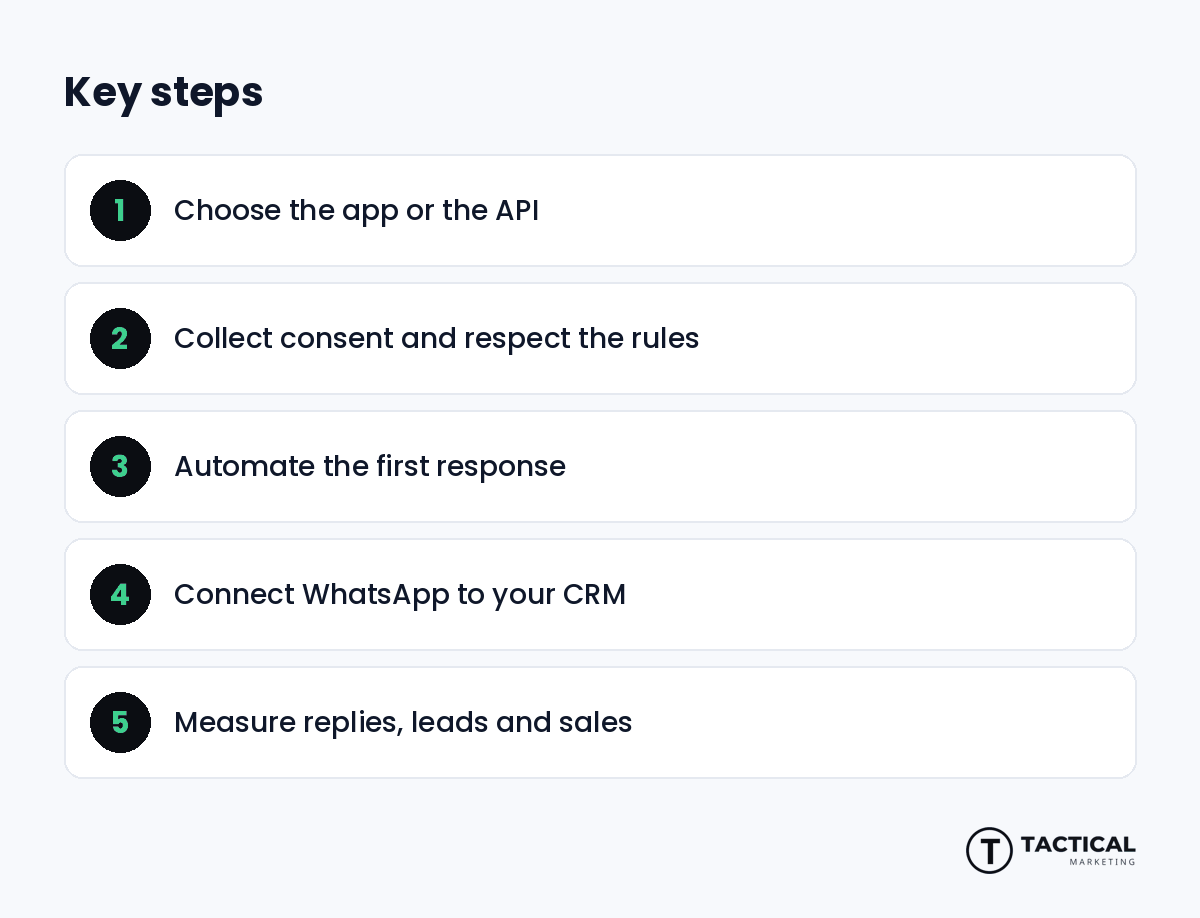
This guide explains how to set up WhatsApp as a proper marketing and sales channel.
WhatsApp Business app is free and works well for small teams. You get a business profile, catalogue, quick replies, labels and an away message. Its limits appear as you grow: it is designed for a small number of devices, and automation and reporting are basic.
WhatsApp Business Platform (API) is accessed through a provider and suits businesses with more volume or several team members. It allows:
Most growing businesses move to the API once they handle more enquiries than one or two people can answer comfortably.
WhatsApp is personal. Customers expect messages they asked for, not spam.
Businesses that send too many unwanted messages get blocked and reported, which can restrict their account.
Track where each conversation comes from — use different pre-filled messages or links per source — so you know which campaigns produce real sales.
Speed wins on WhatsApp. Use automation to answer instantly and route the conversation:
Keep a clear path to a human. Automation should save time, not trap customers in a menu.
Conversations lost in someone’s phone are lost revenue. Connecting WhatsApp to a CRM gives you:
This also lets you send outcomes back to your ad platforms, so campaigns optimize toward customers who actually buy.
Track a few numbers every month:
If response times are slow, fix staffing and automation before spending more on ads that drive conversations.
WhatsApp works best when it is treated as a channel with a process, not just a phone number. If you want help setting up automation and connecting it to your campaigns, see our AI and automation service or book a free 30-minute consultation.
Keep reading
Google captures people who are already searching. Meta creates demand among people who are not searching yet. How to choose between them, when to use both, and how to split a first budget.
A step-by-step guide to tracking leads and sales from Facebook and Instagram ads on a WordPress site: the Pixel, the Conversions API, deduplication, testing and the mistakes that break tracking.
Many Gulf customers search in Arabic, English or a mix of both. How to structure a bilingual website, research keywords in each language and avoid the mistakes that stop Arabic pages from ranking.